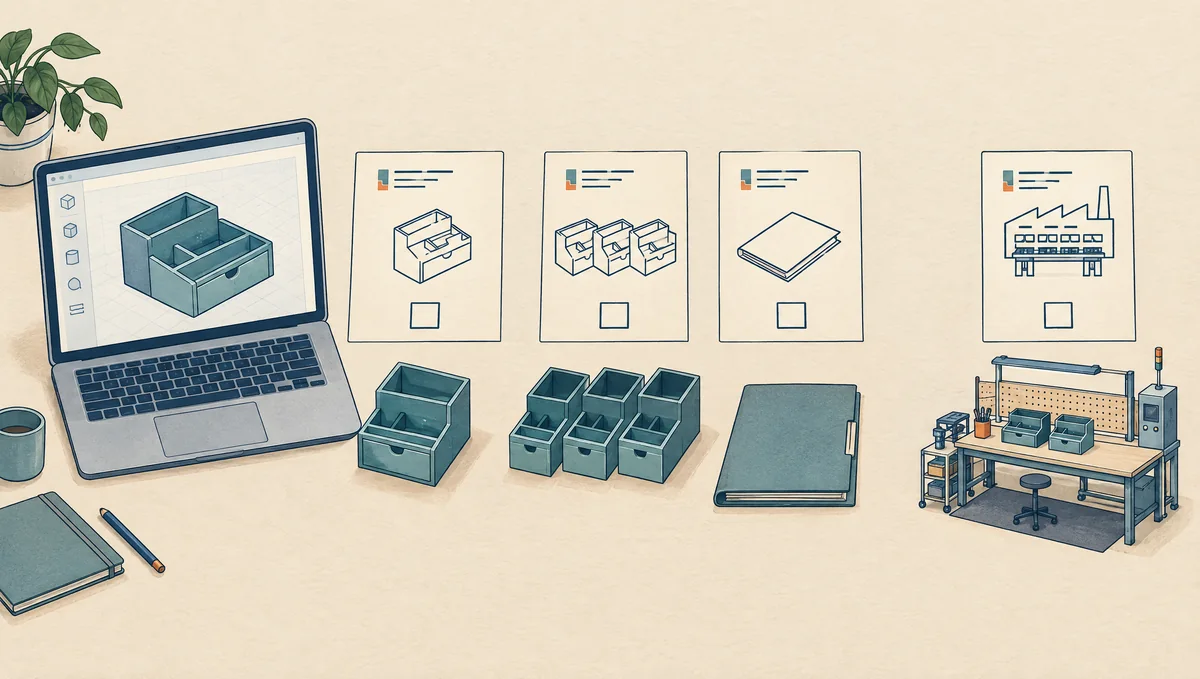
A download receipt answers who paid for a file. Before spending money on production, you need a separate answer to what that buyer may do with it. The practical question is specific: may your business modify this model, send it to this supplier, make this quantity, and sell the resulting products through these channels?
Use this guide for existing computer-aided design (CAD) models and STL downloads, a common file format for 3D printing. It is a purchasing checklist, not a legal opinion on a particular design. License examples were checked on October 23, 2026. Save the terms that apply to your transaction; a marketplace can offer several licenses, and a model's special terms can matter more than a category label.
Write down the production plan before reading the license
Start with one sentence that describes the whole job. For example: our company will modify a downloaded desk organizer, have an outside print shop produce 250 units, and sell them in our online store. That sentence exposes four permissions that the phrase commercial use can hide: modification, file transfer, manufacture, and sale.
Add the buyer's legal name, the people who need the file, the production location, and the planned sales markets. Record whether the model will be the entire product, a component, a display prop, or an image in an advertisement. Those uses can fall under different clauses. Do not select a cheaper license until you know which workflow it actually covers.
If you are commissioning a new design instead, use the separate contractor ownership checklist. A ready-made download usually presents a different purchasing problem: deciding whether an existing grant fits your work, rather than negotiating ownership of work yet to be created.
Build a permission matrix for the exact file
Create one row for each action below. In a second column, paste the relevant clause or record its section number. In a third, write allowed, prohibited, or unresolved. An unresolved row is a question to settle before that action starts. A seller's short sales description should not silently fill gaps in the actual license.
| Planned action | Evidence to look for | Decision if missing |
|---|---|---|
| Make and sell physical units | Physical manufacturing and resale rights, quantity and market limits | Hold the production order |
| Change dimensions or geometry | Modification permission and rules for the changed model | Ask about the specific edits |
| Send files outside your company | Contractor access, seats, permitted recipients and sublicensing terms | Keep the files internal |
| Use images in a product listing | Permission for your renders and separately for the seller's images | Do not copy listing artwork |
| Continue after a subscription ends | Rules for new manufacture, remaining stock and renewal | Clarify the dates before ordering stock |
| Transfer the product business later | Transfer, assignment or replacement-license provisions | Record this as an unresolved future dependency |
Include the exact model ID and revision. A shop-wide badge may describe a subscription tier without identifying every included file. Also check the purchaser: a personal account, a company account, and a supplier's own license are different records. Put the person responsible for each unanswered question beside the row so that the matrix produces a decision rather than a folder of screenshots.
Compare what real licenses actually permit
These examples illustrate why license names are insufficient. They are not recommendations to buy a particular model, and they do not establish that any seller owns all rights in the subject depicted.
| License example | Relevant permission or limit | Purchasing implication |
|---|---|---|
| Papacad 3D Model License | Allows physical production and sales without a unit cap, plus modification. External subcontractors need their own license; seats are individual. | Check the manufacturer's file access separately from your sales rights. |
| CGTrader Royalty Free | Section 21A.1 restricts transfer of the downloaded model and its 3D-printed physical form. Other clauses permit specified incorporated uses. | Do not treat the label as permission to sell standalone prints. Check the exact use and any valid custom terms. |
| CC BY 4.0 | Permits commercial reuse and adaptation within the licensed rights, subject to conditions including attribution. | Plan the credit and license information before distribution. |
| CC BY-NC 4.0 | The grant limits reproduction, sharing and adaptation to noncommercial purposes. | Do not rely on this grant for a business selling prints; seek suitable additional permission. |
Read the current Papacad license and CGTrader terms alongside the model page. CGTrader's incorporated-product provisions and custom-license mechanism require attention; a summary cannot decide every component or merchandise use.
The CC BY 4.0 legal code and CC BY-NC 4.0 legal code are different grants. Keep the exact version, not just a Creative Commons icon. Free access, a paid download and royalty-free wording each leave important scope questions unanswered.
Worked example: an outside shop will make 250 organizers
Consider a hypothetical purchase of an unbranded organizer model under terms that expressly permit physical sales and changes but require external recipients to obtain their own licenses. This is an illustrative workflow, not a report of an actual purchase or a claim about a particular product listing.
The buyer wants to enlarge one compartment, send a production file to a print shop, and order 250 units. The permission matrix marks sales and modification as allowed. It marks supplier access as unresolved because the shop has not obtained the required license. The order is therefore on hold even though the buyer's commercial sales permission is clear.
There are two concrete routes to investigate. The shop can obtain the applicable license and confirm that its own manufacturing activity is covered. Alternatively, the rights holder can grant an appropriate written exception through the required licensing process. A general promise from the shop to keep the file private does not answer the missing permission question.
Record the model revision, the proposed compartment change, the shop's identity, the license evidence and the planned batch in one release note. Send only the approved revision after the access issue is resolved. If a second shop takes over, reopen that row instead of forwarding the old packet automatically.
Now change the scenario: the buyer has permission only to create a rendering for a product presentation. The same receipt and the same model do not approve the 250-unit order. The right next step is to obtain manufacturing terms or choose another design before paying for tooling. This comparison is why the workflow description belongs at the top of the review.
Ask a focused question when the terms do not fit
A request that says can I use this commercially is easy to answer too broadly. Give the seller enough detail to identify the missing right. Use this draft as a starting point, adjusting every bracketed field:
We plan to license [model ID and version] for [buyer/company]. We want to make [specific changes], supply the files to [named outside manufacturer], produce [quantity or ongoing batches], and sell physical products in [markets/channels]. Please identify the license that covers each action, any seats or separate supplier licenses required, and any unit or time limits. Please also clarify whether we may use our own renders and your listing images, and what happens to manufacturing and remaining stock if a membership ends.
Ask for a response tied to the actual listing and transaction. If marketplace terms prescribe where custom terms must appear, use that process; do not assume an informal message overrides the contract. Keep the final grant with the invoice. Do not manufacture while waiting for an answer just because the supplier can begin tomorrow.
When the proposed business depends on exclusivity, assignment, a large production commitment, or disputed language, have a qualified lawyer review the actual agreement and jurisdiction. This checklist helps assemble the facts for that review. It cannot decide whether a functional shape is protected or whether a particular exception applies.
Check third-party rights and engineering separately
A model can depict a branded object, character or protected design. A creator's permission is not evidence that every other relevant right has been cleared. CC BY 4.0, for example, expressly excludes patent and trademark rights from its grant and does not warrant non-infringement. Treat recognizable third-party subject matter as a separate investigation, not something solved by a merchant badge.
Ask who created the geometry and whether any outside components or source assets were incorporated. Keep the explanation and any supporting permissions. If the answer is merely that other shops sell similar items, that is not evidence for your product. Do not assume changing a percentage of the model removes the need to examine the rights involved.
File permissions also do not establish that the product is safe or manufacturable. Arrange the necessary design, material and process review for its intended use. A visually attractive model may still need dimensional changes or testing. Keep this technical sign-off separate so that a license approval is never mistaken for a quality inspection.
Save a record that survives the next order
Before the first production release, save the listing URL, model identifier, downloaded filename and revision, purchase date, invoice, license text and any approved exception. Preserve a dated local copy of the terms rather than relying only on a live link. Add the completed permission matrix and the supplier access evidence.
For subscription-based permission, record renewal dates and the actual rules for production and stock after cancellation. Do not assume every membership works the same way. Before a repeat order, check whether the quantity, model, supplier, sales channel or licensed buyer has changed. Reopen only the affected decisions, while retaining the original evidence.
Finish with a short release entry: approved actions, unresolved actions, approved file revision, recipients and next review trigger. That record tells a future teammate why the first batch was allowed and what must change before the next one. It also makes choosing a different model easier when the rights you need are unavailable.